


Your Power Platform Trainer: J. H. Irwin
Author | Content Creator | Technology Strategist
Somewhere in almost every workplace, there is a spreadsheet doing a job it was never meant to do
It tracks vacation requests, or equipment checkouts, or customer complaints, and it has grown so many tabs and color codes that only one person truly understands it. When that person goes on vacation, the whole department holds its breath. If you have ever been that person, or worked beside them, you already understand why the Power Platform exists.
For most of computing history, there has been a wall between the people who understand the work and the people who can build software. On one side sit the folks who know exactly why the approval process takes eleven days. On the other side sit the developers who could fix it, if only they had the time, the budget, and a translator. The Microsoft Power Platform is an attempt to take that wall down. It gives ordinary people, the ones who actually live inside the problem, the tools to build their own solutions without writing traditional code.
This is the first module in a training series I am writing for people who want to genuinely understand these tools, not just nod along in meetings when someone mentions them. In this module, we will cover what the Power Platform is, why it is worth your attention, and what each component actually does, including how Microsoft licenses them and how they fit together with the rest of the Microsoft world you probably already use. Future modules will go deep on each component individually. Today, we are building the map.
What the Power Platform Actually Is
The Microsoft Power Platform is a family of low-code tools for building business applications, automating workflows, analyzing data, creating websites, and building AI agents. “Low-code” means you assemble solutions visually, by dragging, dropping, connecting, and configuring, rather than writing thousands of lines of programming. When you do need logic, you write short formulas that look remarkably like the ones you already use in Excel.
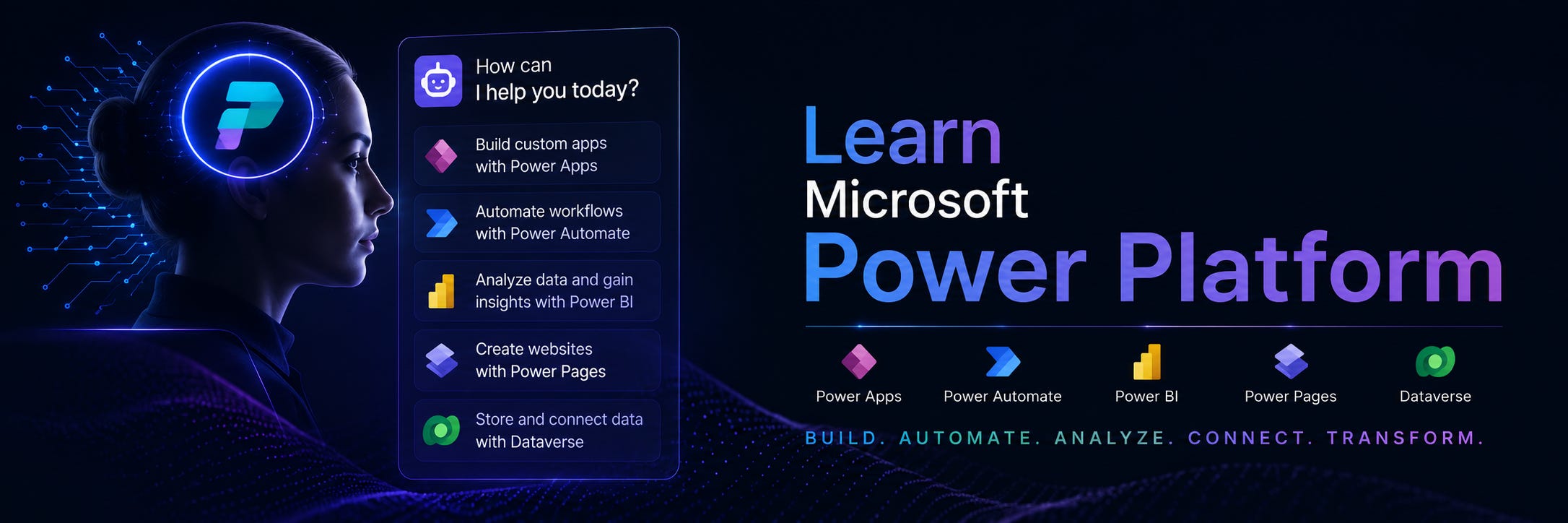
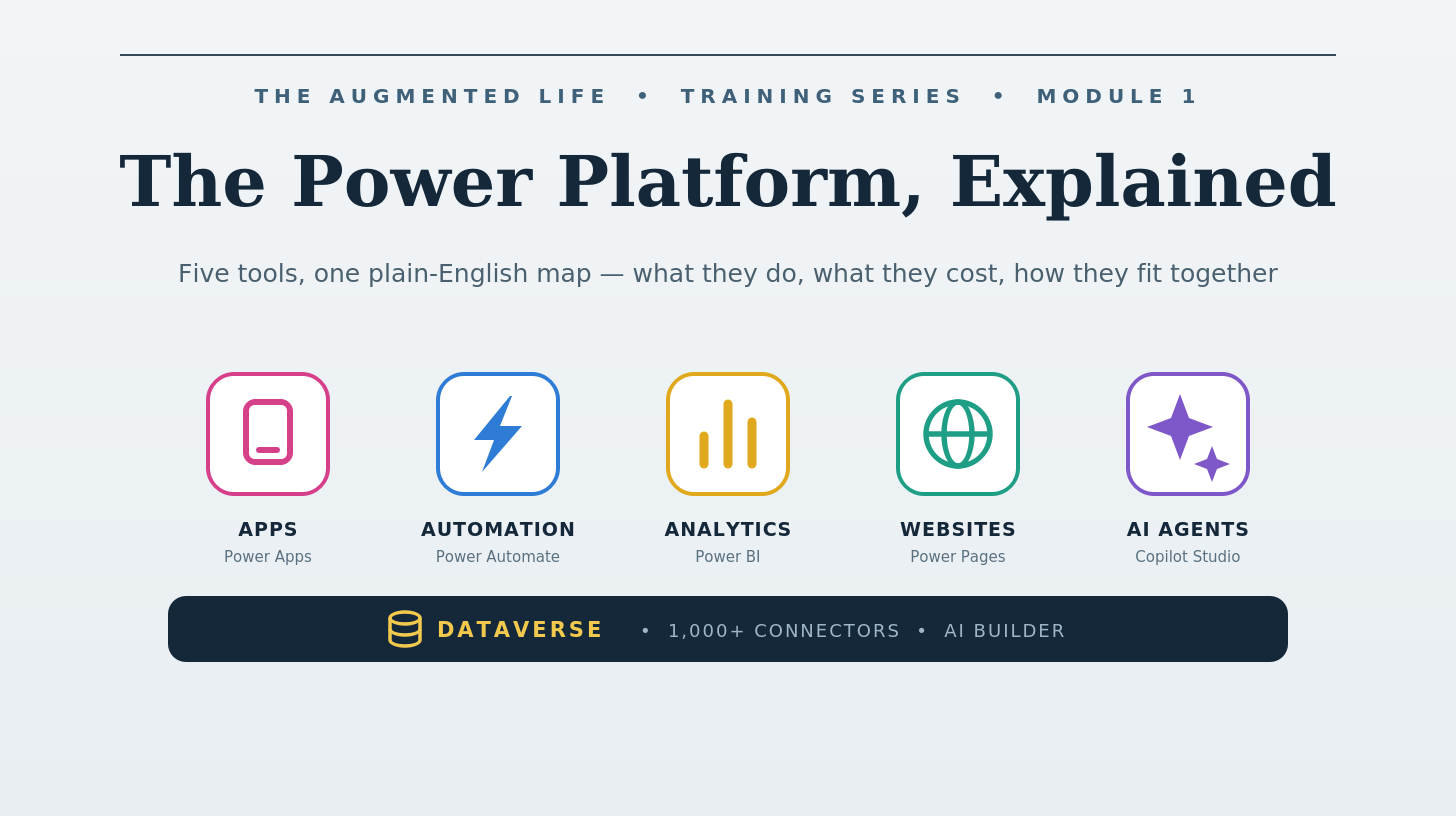
The platform consists of five main products: Power Apps for building applications, Power Automate for automating processes, Power BI for analyzing and visualizing data, Power Pages for building external-facing websites, and Copilot Studio for creating AI agents and chatbots. Underneath all five sits a shared foundation: Dataverse (a secure cloud database), a library of more than a thousand connectors that link to other software, and AI Builder, which lets you add artificial intelligence to whatever you create.
Here is the mental model I find most useful. Think of the Power Platform as a workshop. Power Apps builds the tools people hold in their hands. Power Automate is the assembly line running quietly in the background. Power BI is the window that lets you see what is actually happening. Power Pages is the storefront facing the street. Copilot Studio is the helpful assistant who greets people at the door. And Dataverse is the workbench they all share, where everything is stored, organized, and kept safe.
Why It Matters
I want to be honest with you rather than breathless, because this platform gets more than its share of marketing enthusiasm. Here is what is genuinely true about it.
It dramatically shortens the distance between a problem and a solution. An app that would have taken a development team three months and a five-figure budget can often be built by a motivated business user in a week or two. That is not hype. It is the everyday experience of people using these tools, and it changes what kinds of problems are worth solving. All those small, unglamorous inefficiencies that never justified a real software project suddenly become fixable.
It meets you where you already are. If your organization uses Microsoft 365, you are already standing inside the ecosystem. Power Platform tools connect natively to Outlook, Teams, SharePoint, Excel, OneDrive, and Dynamics 365. Apps can live inside Teams. Flows can respond to emails. Reports can pull from the spreadsheets you already maintain. You are not adopting a foreign system; you are extending one you already know.
It gives IT a way to say yes. For decades, the choice was between IT building everything (slow) or business users building shadow systems in Excel and Access (risky). The Power Platform includes genuine governance tools, centralized administration, data loss prevention policies, and environment controls, so IT departments can let people build while still protecting the organization. That balance is the quiet achievement here, and it is the reason large, careful companies have adopted it.
It is where Microsoft is putting its AI energy. Copilot features are woven throughout the platform now. You can describe the app you want in plain English and get a working starting point. That does not eliminate the need to understand these tools. It makes understanding them more valuable, because you become the person who can direct the AI well and recognize when its output needs correcting.
The honest caveat: licensing is complicated, and the line between “included with what you already pay for” and “requires an additional license” catches almost everyone off guard at least once. I will point out where that line sits as we go, because knowing where it is will save you real money and real frustration.
The Five Components, One by One
Power Apps: Building Applications Without Code
What it is. Power Apps lets you build custom business applications that run on the web, on phones, and inside Microsoft Teams. There are two main styles. Canvas apps start with a blank screen you design freely, like arranging a PowerPoint slide that happens to be a working application. Model-driven apps start with your data instead; you define the information and relationships, and Power Apps generates a consistent, professional interface around them. Canvas apps suit focused tools like an inspection checklist or an event check-in screen. Model-driven apps suit complex, data-heavy systems like case management.
When you need logic, you use Power Fx, a formula language deliberately designed to feel like Excel. If you can write IF(A1>100, "High", "Low") in a spreadsheet, you already have a head start.
Licensing. A free Developer Plan lets you learn and build in a personal environment, and I recommend everyone in this series sign up for one. Your Microsoft 365 license includes a limited version of Power Apps that works with standard connectors like SharePoint and Excel. For full capability, including Dataverse and premium connectors, the Power Apps Premium plan runs $20 per user per month, dropping to around $12 per user for organizations buying 2,000 or more licenses. There is also a pay-as-you-go option billed through Azure at roughly $10 per active user per app each month, which suits apps used occasionally or seasonally. One recent change worth knowing: as of January 2026, the old $5 Per App plan is no longer sold to new customers.
Integration. Power Apps connects deeply with SharePoint (a very common starting point for beginners), embeds directly into Teams, extends Dynamics 365, and reaches hundreds of other systems through connectors, from Salesforce to SQL Server.
Power Automate: Workflows That Run Themselves
What it is. Power Automate handles the repetitive digital work that quietly consumes people’s days. It runs flows: sequences of steps triggered by events. When an email with an attachment arrives, save the attachment to OneDrive and post a message in Teams. When someone submits a form, route it for approval and update a tracking list. You build these visually, choosing triggers and actions from menus.
It also includes desktop flows, which is robotic process automation, or RPA. This lets software mimic a human at a keyboard, clicking through older applications that have no modern way to connect. And Process Mining analyzes how work actually moves through your organization, revealing bottlenecks you may not have known existed.
Licensing. Microsoft 365 includes basic Power Automate rights for flows using standard connectors. Power Automate Premium, at $15 per user per month, unlocks premium connectors, attended desktop flows, and process mining for an individual. For unattended automation, where bots run without a person present, the Process plan is $150 per bot per month, or $215 for the Hosted Process plan where Microsoft supplies the virtual machine.
Integration. This is the connective tissue of the entire platform. Flows trigger from Power Apps buttons, refresh Power BI data, respond to Dataverse changes, send Teams approvals, and reach into nearly any system through those thousand-plus connectors.
Power BI: Turning Data Into Understanding
What it is. Power BI is Microsoft’s business intelligence tool. It connects to your data wherever it lives, in Excel files, databases, cloud services, or Dataverse, and turns it into interactive reports and dashboards. Instead of a static monthly chart, you get living visuals you can click into, filter, and question. It is the most mature product in the family, widely considered a leader in its category, and for many organizations it was the doorway into the rest of the platform.
Licensing. Power BI Desktop, the tool where reports are authored, is completely free, and you can learn an enormous amount without spending anything. Sharing is where licenses enter the picture. Power BI Pro, at $14 per user per month, lets people publish and view shared reports, and note that viewers need licenses too, not just authors. Pro is included in Microsoft 365 E5. Premium Per User, at $24 per month, adds larger data models, more frequent refreshes, and advanced features. (Both prices rose in April 2025, from $10 and $20 respectively.) At enterprise scale, organizations buy Microsoft Fabric capacity instead, which starts around $263 per month for the smallest tier and, at the F64 level and above, allows unlimited free report viewers.
Integration. Power BI is tightly woven into Excel, embeds reports in Teams and SharePoint and Power Apps, visualizes Dataverse data directly, and now lives inside Microsoft Fabric, Microsoft’s broader data platform.
Power Pages: Websites for the Outside World
What it is. Everything above serves people inside your organization. Power Pages is for everyone else. It builds secure, data-driven websites for external audiences: a portal where customers check order status, a site where residents apply for permits, a page where partners submit documents. The distinguishing feature is that these sites connect directly to Dataverse, so information submitted on the website flows straight into the same data your internal apps and reports use, with enterprise-grade security controlling who sees what.
Licensing. Power Pages is licensed per website based on monthly users, and it is the model most likely to change, so treat these as directional: roughly $200 per site per month for each block of 100 authenticated (logged-in) users, and about $75 per site per month for each block of 500 anonymous visitors, with pay-as-you-go options available. Always confirm current numbers on Microsoft’s pricing page before budgeting.
Integration. Power Pages runs on Dataverse, handles sign-ins through Microsoft Entra ID and other identity providers, and lets professional developers extend sites using Visual Studio Code when a project needs custom polish.
Copilot Studio: Building Your Own AI Agents
What it is. Copilot Studio, formerly Power Virtual Agents, is where you build AI agents: assistants that answer questions, take actions, and handle conversations on your behalf. You can point an agent at your documentation and let generative AI answer customer questions naturally, design guided conversations for specific processes, and connect agents to Power Automate so they can actually do things, like look up an order or create a support ticket. You can also extend Microsoft 365 Copilot itself, teaching the Copilot your organization already uses new skills specific to your business.
Licensing. Copilot Studio uses capacity-based licensing measured in Copilot Credits, which are consumed as agents respond and act. Organizations can buy a message pack, around $200 per month for 25,000 credits, or pay as they go at roughly a penny per credit. Simple answers consume little; complex generative responses and actions consume more.
Integration. Agents publish to Teams, websites, and other channels, draw knowledge from SharePoint and Dataverse and public sites, act through Power Automate flows, and plug into Microsoft 365 Copilot.
The Foundation Underneath
Three shared pieces make the five products feel like one platform, and understanding them will spare you confusion later.
Dataverse is the platform’s native database, though calling it a database undersells it. It stores your data in structured tables with built-in security, business rules, auditing, and relationships, and every Power Platform product speaks to it fluently. Premium licenses include a base amount of Dataverse capacity pooled across your organization, with additional storage available as a paid add-on. When people ask why they should use Dataverse instead of a SharePoint list, the answer is usually scale, security, and sophistication: SharePoint is a fine starting point, and Dataverse is where serious solutions live.
Connectors are the bridges to other software, and here is the single most important licensing concept on the entire platform: connectors come in two tiers. Standard connectors, covering most Microsoft 365 services like SharePoint, Outlook, and Teams, are included with Microsoft 365 licenses. Premium connectors, which include Dataverse, SQL Server, Salesforce, and most third-party systems, require a standalone Power Apps or Power Automate license. The moment a solution touches one premium connector, everyone using it needs premium licensing. More budget surprises trace back to this line than to anything else, so learn where it sits early.
AI Builder adds prebuilt and custom AI models, things like reading invoices, extracting text from images, and detecting sentiment, to your apps and flows, consuming credits as it works. One heads-up for planners: Microsoft has announced that the 5,000 monthly AI Builder credits currently bundled with premium licenses will be removed on November 1, 2026, so factor that into any solution that leans on these features.
A Quick Word About All Those Prices
Every figure in this module is Microsoft’s published list pricing in US dollars as of this writing, and if there is one constant in this ecosystem, it is that licensing evolves. Nonprofit, government, and academic pricing exists, enterprise agreements negotiate discounts, and Microsoft publishes an official Power Platform Licensing Guide that is updated regularly. The prices here are for orientation, so you understand the shape of the costs. Before any real purchasing decision, check the current guide. I will keep this series updated as the landscape shifts.
Where We Go From Here
If you take one idea away from this module, let it be this: the Power Platform is not really about apps or flows or dashboards. It is about who gets to build. For a very long time, the ability to create software belonged to a small group of specialists, and everyone else had to wait in line with their spreadsheets and their workarounds. These tools hand that ability to the people closest to the work, the ones who understand not just what the process is, but why it matters and whom it serves. That is a genuinely hopeful shift, and it is why I think this series is worth both my time and yours.
In Module 2, we will roll up our sleeves and go deep on Power Apps: setting up your free developer environment, understanding canvas and model-driven apps from the inside, and building your first working application. Bring your curiosity, and maybe that spreadsheet that has been quietly holding your department together. We might just retire it.
Technology is changing the world. Read about it → The Augmented Life